
How to Secure Your Cell Phone for International Travel
Your smartphone is one of the most valuable items you carry when traveling internationally—and one of the most vulnerable. From public Wi-Fi risks to border inspections and device theft, traveling abroad exposes your iPhone or Android phone to security threats many travelers overlook. In this article, we discuss how to secure your cell phone for international travel.
The good news? With the right preparation, you can dramatically reduce your risk.
This guide walks you through how to secure your phone for international travel, using three core strategies:
- Minimize sensitive data
- Harden device access
- Use secure connection practices
Want to know more about securing your valuables during international travel? Check out this article: International Travel Essentials: Protecting Your Valuables.
Whether you’re a digital nomad, frequent traveler, or heading overseas for the first time, these tips will help keep your data safe.
Why Phone Security Matters When Traveling Abroad
International travel introduces unique risks that don’t exist at home, including:
- Unsecured public Wi-Fi networks
- Higher rates of phone theft
- SIM swapping and account takeovers
- Border searches in certain countries
- Increased exposure to malware and phishing attempts
Securing your phone before and during travel helps protect your personal data, financial accounts, and online identity.
Before You Travel: How to Secure Your Phone in Advance
1. Back Up Your Data and Reduce What You Carry
Before leaving, create a full encrypted backup using iCloud (iPhone) or Google Drive (Android), or store a physical encrypted backup offline.
Once backed up, delete non-essential sensitive data, including:
- Old emails and text messages
- Personal photos and videos
- Banking, investment, or crypto apps
This practice—called data minimization—limits what can be accessed if your phone is lost, stolen, or inspected.
2. Update Your Phone’s Operating System and Apps
Install the latest updates for your operating system and all apps. Updates often include critical security patches that protect against newly discovered vulnerabilities and exploits.
Outdated software is one of the most common entry points for hackers.
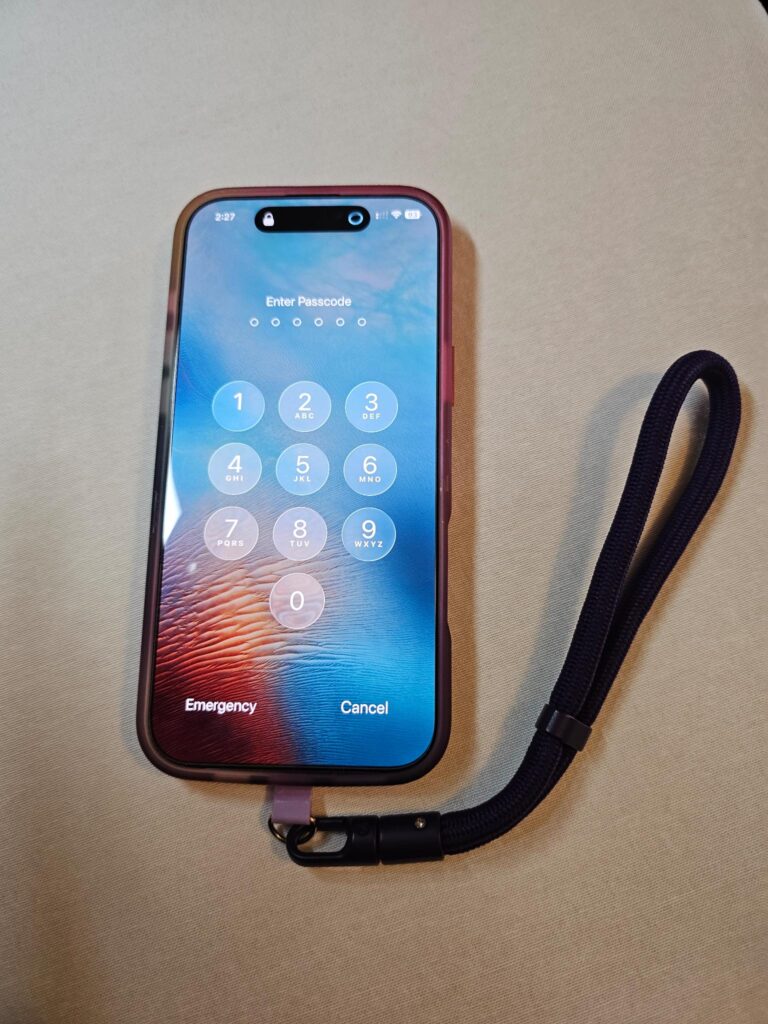
3. Use a Strong Passcode and Disable Biometrics
Switch from a short PIN to a long, alphanumeric passphrase.
While traveling internationally, consider temporarily disabling:
- Face ID
- Fingerprint unlock
In some countries, authorities may legally compel biometric unlocking, but a strong passcode provides stronger legal and technical protection.
4. Enable “Find My” Device Tracking
Make sure Find My iPhone or Find My Device is enabled and configured for offline tracking. This allows you to:
- Locate your phone if it’s lost
- Lock it remotely
- Erase all data if necessary
5. Lock Your SIM Card
Set a SIM PIN to prevent your phone number from being hijacked if the SIM card is removed. This protects against SIM swapping, a common method used to take over accounts. This can be done through your cell phone provider.
6. Replace SMS Two-Factor Authentication
Avoid SMS-based two-factor authentication while traveling. Instead, use:
- Authenticator apps (Google Authenticator, Authy)
- A secure password manager
These options are more reliable and secure when abroad.
7. Consider Using a Dedicated Travel Phone
If you’re traveling to higher-risk regions, consider using a separate “travel phone” with:
- Only essential apps
- A new travel email address
- Minimal personal data
This approach significantly reduces exposure and protects your primary accounts.
During Your Trip: Best Practices for Phone Security Abroad
8. Always Use a VPN on Public Wi-Fi
Public Wi-Fi in airports, hotels, cafés, and coworking spaces is often unsecured. Always connect through a trusted VPN (Virtual Private Network) to encrypt your internet traffic and protect against spying or data theft.
9. Avoid Public USB Charging Stations
Public charging ports can be used for “juice jacking,” where malware or data theft occurs through USB connections. Use your own wall charger, cable, or a portable power bank instead.
10. Disable Automatic Wi-Fi and Bluetooth Connections
Turn off auto-connect settings for Wi-Fi and Bluetooth. This prevents your phone from connecting to unknown networks or devices without your consent.
11. Use End-to-End Encrypted Messaging Apps
For private communication, use apps like:
- Signal
These apps provide end-to-end encryption, ensuring only you and the recipient can read your messages.
12. Power Off Your Phone at International Borders
When crossing international borders, fully power off your phone and keep it stored until you’ve cleared customs. Full-device encryption is most effective when the phone is powered down and requires a passcode to restart.
Final Thoughts: Travel Smart, Stay Secure
Your phone doesn’t have to be a liability when traveling internationally. With smart preparation and secure habits, you can secure your cell phone for international travel and protect your personal data, finances, and online identity—no matter where you travel.
A little planning goes a long way toward peace of mind.